
- Key differences between simple, advanced and qualified electronic signatures according to the eIDAS regulation.
- Operational distinction between one-off signing tools and contract lifecycle management (CLM) systems.
- Essential criteria for choosing a digital signature provider based on legal validity, integrations, and technical support.
- Impact of Artificial Intelligence on risk automation and contractual data extraction.

Today, managing paperwork and contracts manually is, frankly, a waste of time and resources that no company can afford if it wants to remain competitive. Digital transformation is no longer just an option; it's the driving force that allows freelancers and companies of all sizes to streamline their operational processes and eliminate the chaos of physical filing cabinets.
Whether you need a new employee to sign their contract from home or a client to close a deal in seconds, having the right technology is key. It's not just about adding a digital signature, but about ensuring everything is legally valid and that the workflow is as seamless as possible to avoid administrative bottlenecks.
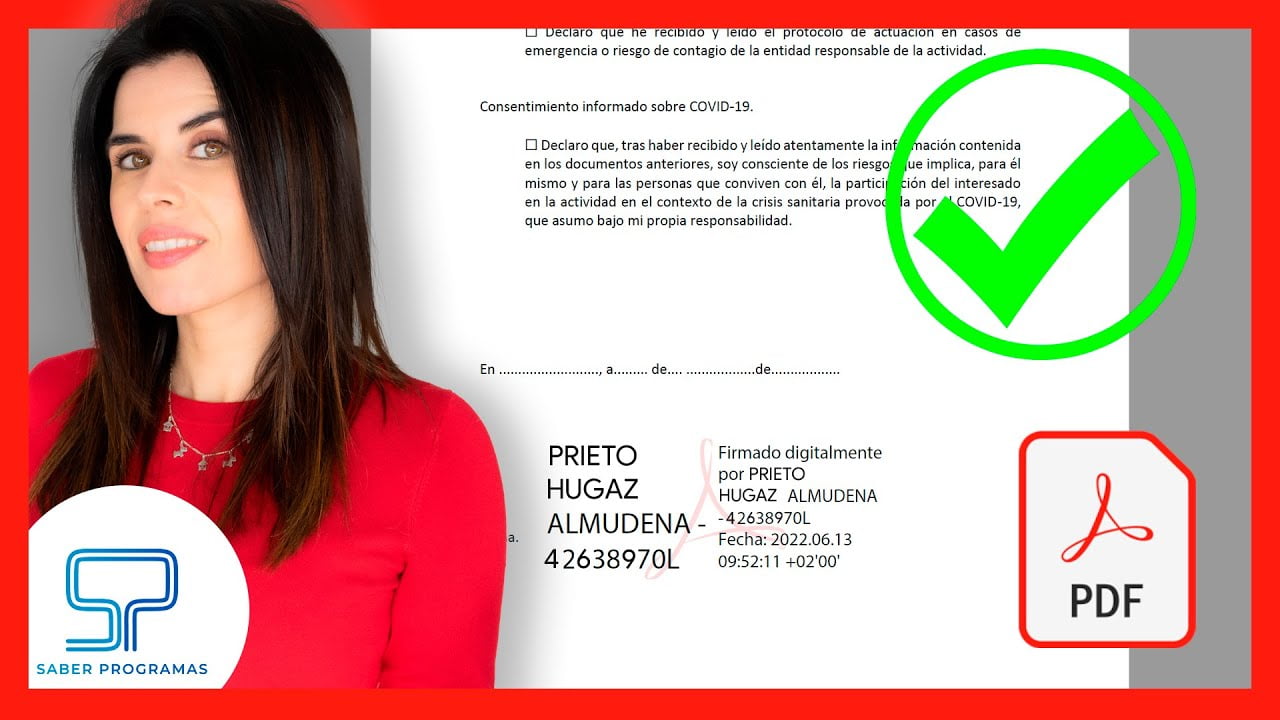
Understanding Electronic Signatures: Levels and Legality

To avoid making a mistake when choosing, the first thing to know is that not all digital signatures are the same. In Spain and the rest of Europe, Regulation (EU) No. 910/2014 (known as eIDAS) sets the standard by establishing three levels of security:
- Simple Signature: It's the quickest and lightest option. It's usually used for simple things, like approving a budget or confirming information. The problem is that, because it doesn't rigorously identify the user, Its legal validity is limited. in complex legal proceedings.
- Advanced Signature: Here we take things to the next level. This system allows you to uniquely link the signature to the signatory, using methods such as OTP codes sent via SMS or biometrics. It's the ideal tool for commercial contracts and labor agreements everyday.
- Qualified Signature: It's the top-of-the-line option. It requires a digital certificate issued by an accredited authority and has the same legal validity as a handwritten signature before a notary. It is mandatory for procedures with the Public Administration or documents of very high legal value.
Digital Signature or CLM? They are not the same

Many people confuse a digital signature tool with a contract management system, but the difference is vast. A digital signature platform focuses on the final step: ensuring the document is signed securely and quickly. It's perfect for anyone looking to streamline the closing of a deal without unnecessary complications.
On the other hand, a Contract Lifecycle Management (CLM) system is a complete ecosystem. It's not just for signing contracts; it manages the entire contract journey: from drafting the first clause and negotiating the text to archiving or renewing it. A CLM system provides a centralized and secure repository , preventing contracts from getting lost in emails or shared folders.

The qualitative leap with Artificial Intelligence

The most modern contract management systems have integrated AI to take the heavy lifting off the user's shoulders. It's now possible to automatically extract data , identifying expiration dates or party names without having to manually read each page. Furthermore, AI can analyze risks by detecting problematic or ambiguous clauses that could harm the company in the future.
This technology also helps suggest wording based on the history of successful negotiations and generates automatic alerts so that no contract renewal is overlooked, eliminating human error from the equation.
Analysis of the most outstanding tools on the market

If you're looking for software, there are options for every budget and need. For those seeking a global standard, DocuSign is the benchmark for its robustness and integrations, although it can be more complex to configure. If you prefer solutions with local support and strong European compliance, Signaturit and Viafirma are safe bets, with the former standing out for its scalability and the latter for its customization capabilities on its own servers.
For SMEs that need something intuitive and straightforward, Yousign and Firmafy offer clean interfaces and competitive pricing. On the other hand, if the volume of signatures is very low and you only need to manage occasional PDFs, iLovePDF is a cost-effective option, although it lacks comprehensive auditing capabilities. Finally, tools like PandaDoc or Dropbox Sign are ideal if you need to integrate signing with managing business proposals or cloud storage.
Keys to choosing the right supplier
Before handing over any money, it's vital to verify that the provider is a Qualified Trust Service Provider (QTSP) , as this guarantees that the signatures are backed by a trusted third party. It's also crucial that the software integrates with your existing tools, such as your CRM or ERP, to ensure seamless workflow.
Don't neglect ease of use; if the client gets lost trying to sign, the process slows down. Also consider the pricing model : some charge a monthly subscription and others per signed document, which is much more cost-effective if you sign infrequently. Finally, make sure technical support is available in Spanish to resolve any issues without language barriers.
Applications in the business environment
The implementation of these technologies impacts various areas. In Human Resources, it allows for the digitization of the entire employee lifecycle, from the offer letter to the final settlement , eliminating unnecessary travel. In sales, it accelerates the conversion of leads into customers by closing deals in minutes. Even in supplier management, it optimizes the supply chain and procurement by streamlining internal approvals between departments.
There are also free options like AutoFirma, promoted by the Public Administration, which is very useful for citizens and businesses in their official procedures. However, for a professional corporate environment, specialized platforms offer real-time tracking and audit control that basic tools cannot provide.
Digitizing contract management allows businesses to move from a slow, paper-based model to a system where legal certainty and efficiency go hand in hand. By choosing between a simple signature or an advanced AI-powered CLM system, companies can reduce operating costs, protect themselves legally, and dramatically improve the experience for their customers and employees through a frictionless, automated workflow.

Table of Contents