
- Using Night mode and manual exposure allows you to capture details invisible to the human eye in dark scenes.
- Absolute stability using tripods is the determining factor to avoid blurry images in prolonged captures.
- Choosing the main sensor and the RAW format optimizes the final quality and post-editing capabilities.
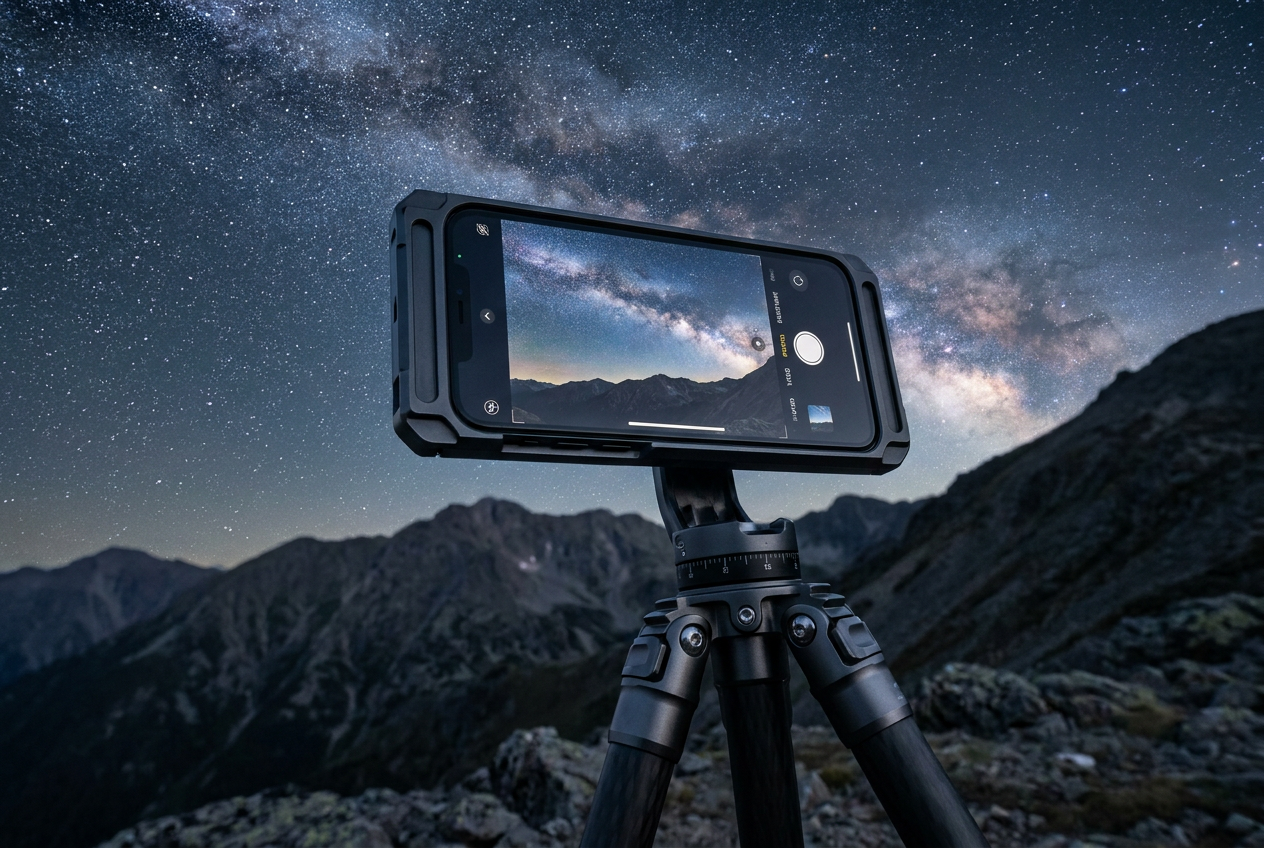
Taking a decent photo after sunset can be a real headache if you don't know how to work with the light. Fortunately, Apple phones have evolved tremendously, and what used to require a professional DSLR camera, we now carry in our pockets. Night mode has arrived to save the day, allowing the software and hardware to work together to bring out details where we only saw shadows.
But be warned, it's not all about pressing a button and waiting for a miracle. To go from an "acceptable" photo to one that leaves everyone speechless, you need to tweak some manual settings and understand a couple of basic optics concepts. Whether you want to photograph the starry sky in the middle of the countryside or a street lit by lampposts, here's how to take great photos with your iPhone to get the most out of your device.
Mastering Night Mode and Exposure
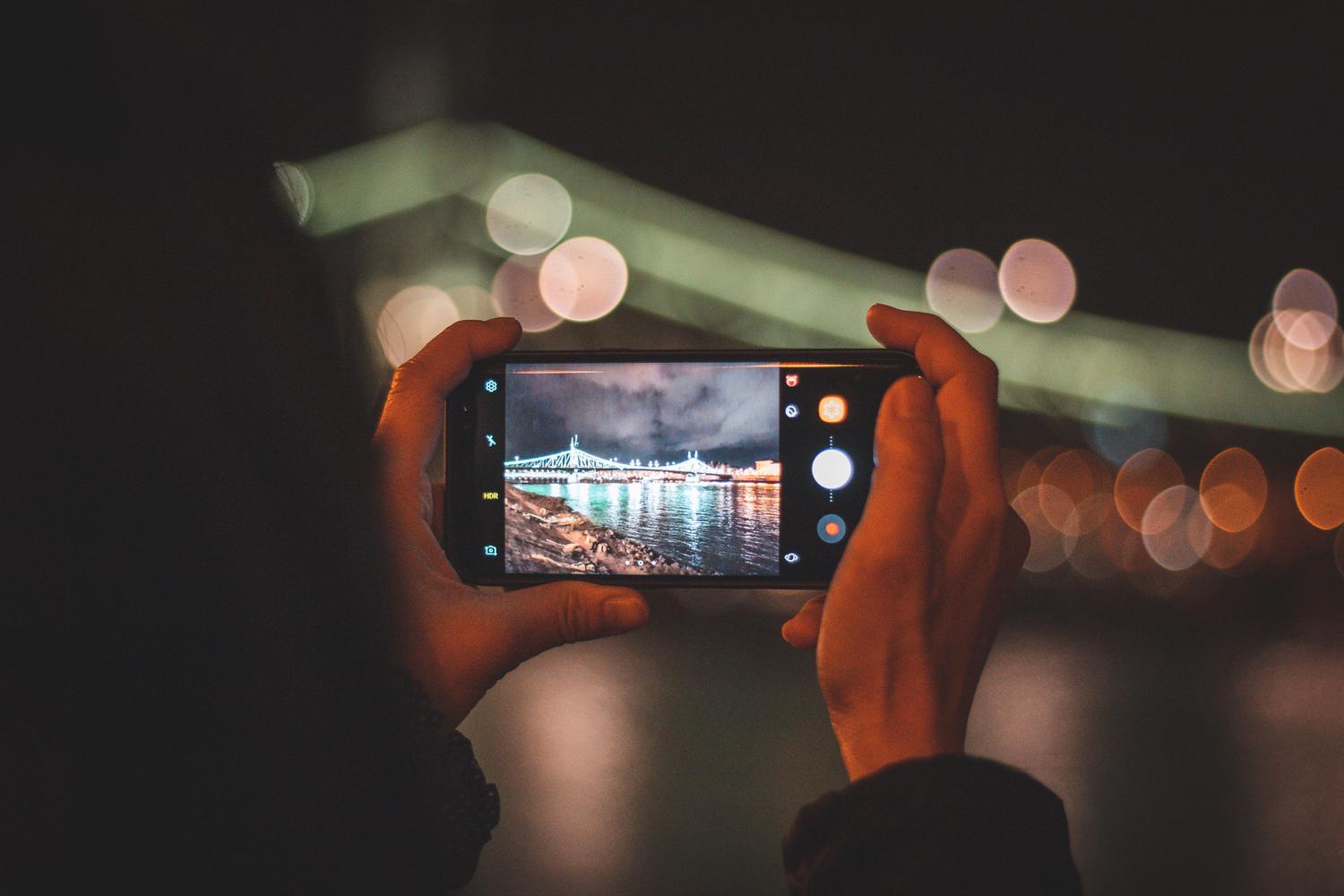
From the iPhone 11 onward, the device automatically detects low light and activates the yellow moon on the screen. Although the system decides the exposure time on its own, the real trick is to manually control the seconds . If you tap the moon icon and move the slider to the "Maximum" option, you can force the sensor to capture light for much longer, which is essential for achieving that magical effect in the night sky.
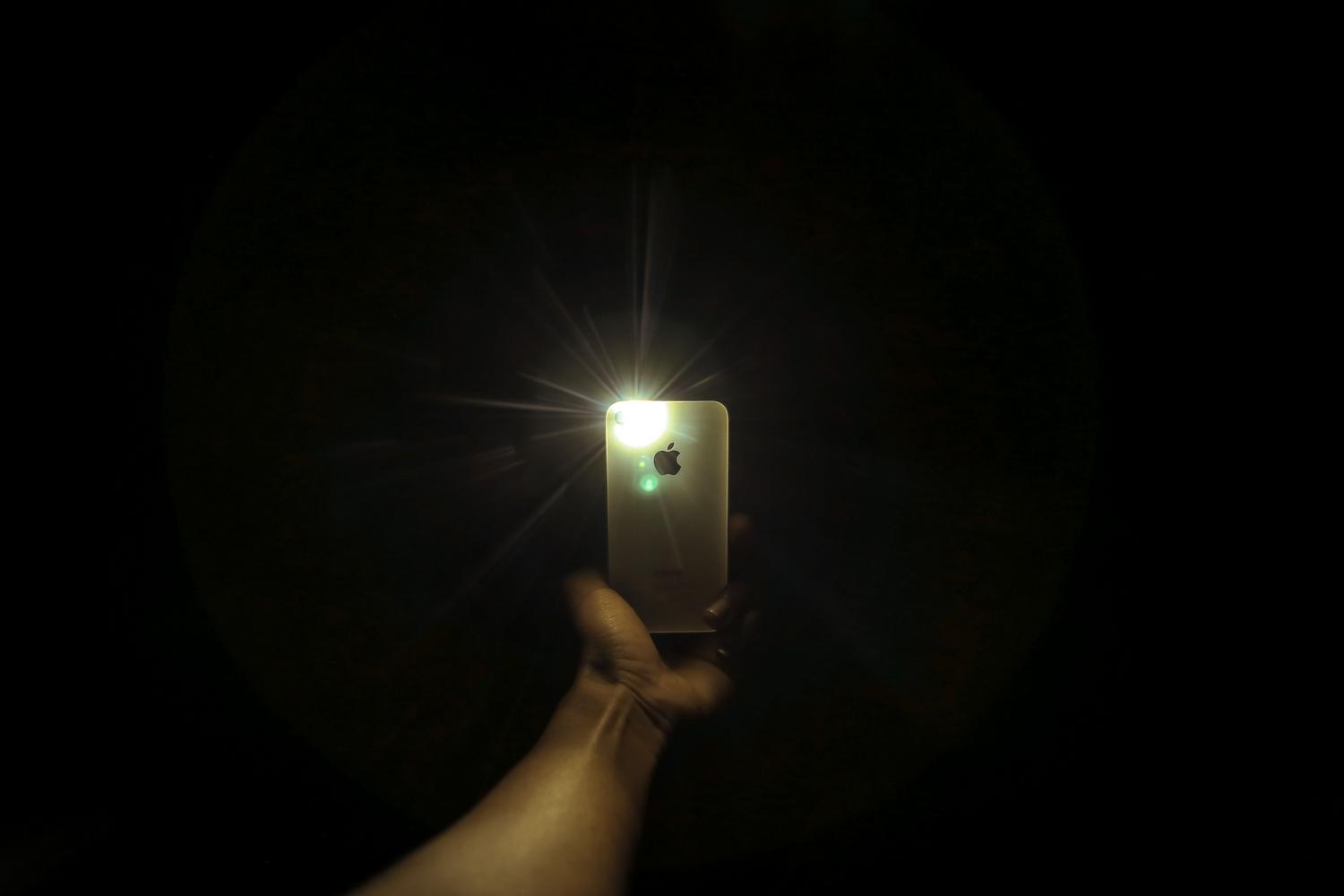
However, you have to be careful with the flash. In most cases, turning it off is essential , as it will only illuminate objects right in front of you and ruin the atmosphere of the scene. If you need a little fill light, you can use it sparingly, but for night landscapes, the flash is your worst enemy.
The Secret of Stability and the Team
When you force the iPhone to keep the shutter open for several seconds, even the slightest hand tremor will result in a blurry photo. This is where using a tripod comes in handy , or failing that, resting the phone on a rock or other firm surface. If you're alone and want to be in the shot, don't forget to activate the camera's timer to prevent the movement of pressing the button from blurring the image.

Another key point is the environment. To capture the stars, the ideal is to get away from the light pollution of cities and seek out the countryside or mountains . Additionally, the weather is a factor we can't control, but it's vital to check that the sky is clear before embarking on your adventure.
Technical Adjustments for Professional Results
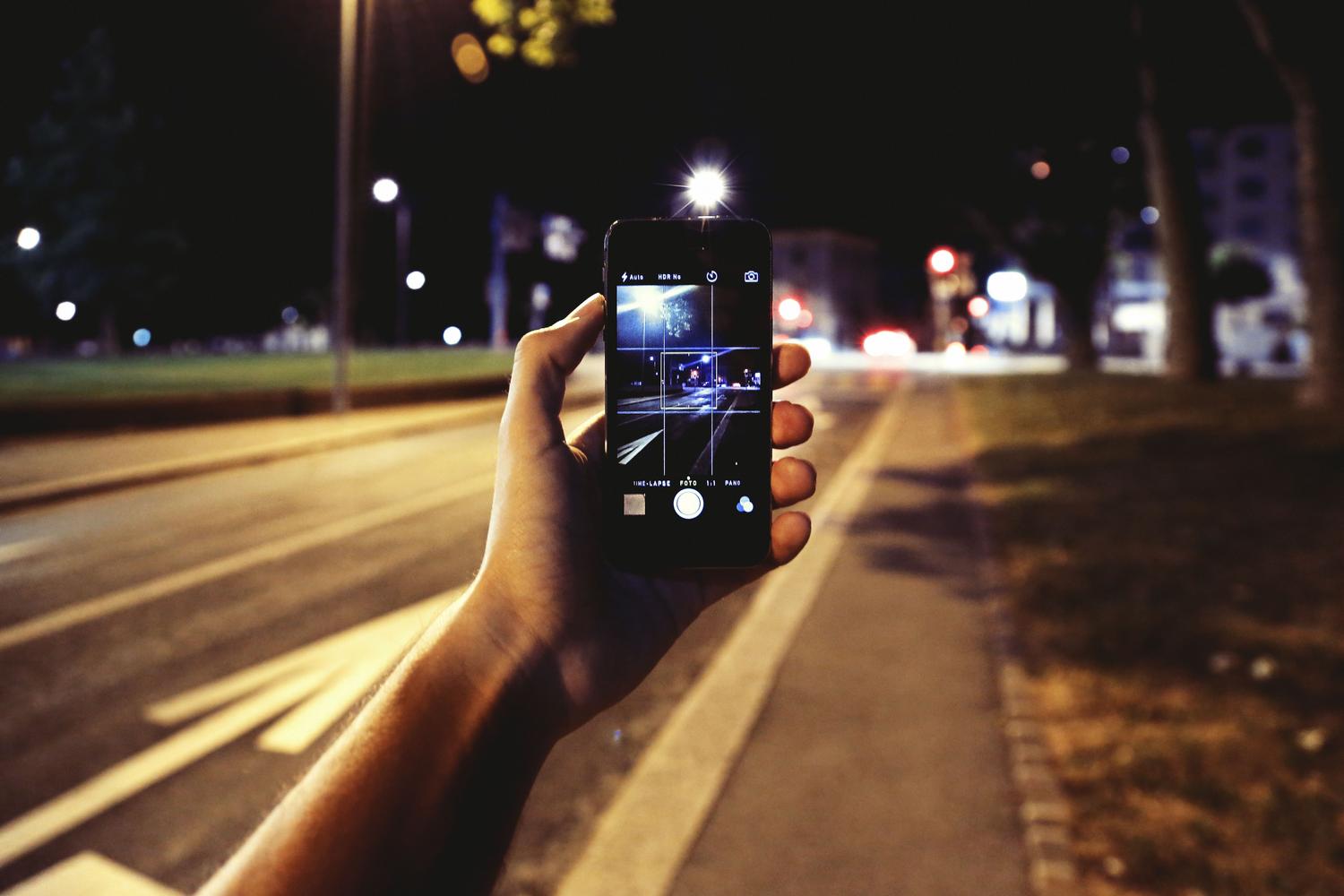
If you want to take your photos to the next level, stop shooting in standard format. In your camera settings, change the resolution to RAW format . This file format doesn't compress the data, giving you much more leeway to edit highlights and shadows later without losing quality. Also, be sure to select the highest resolution available for your camera model.
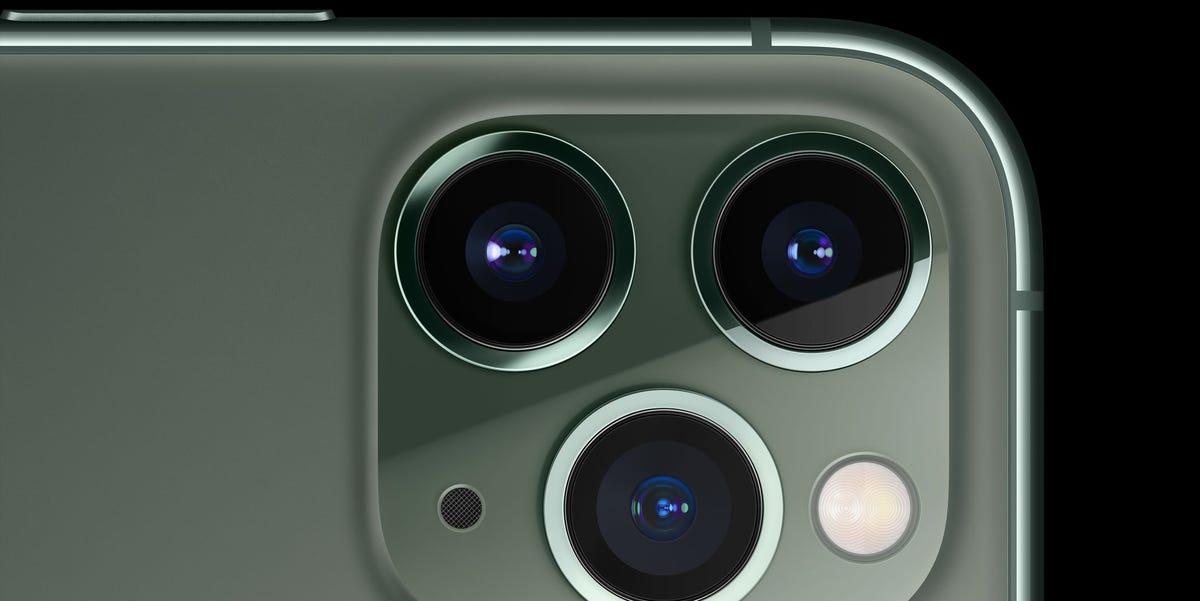
Regarding the lens, a common mistake is using the zoom or wide-angle lens. The golden rule is to always use the main sensor (x1) , as it's the brightest and has the largest pixels, capturing significantly more light than the other lenses. If you need to adjust the exposure, you can swipe down on the screen after focusing to lower the exposure and prevent harsh highlights from overexposing the photo.
Alternatives and Extra Features
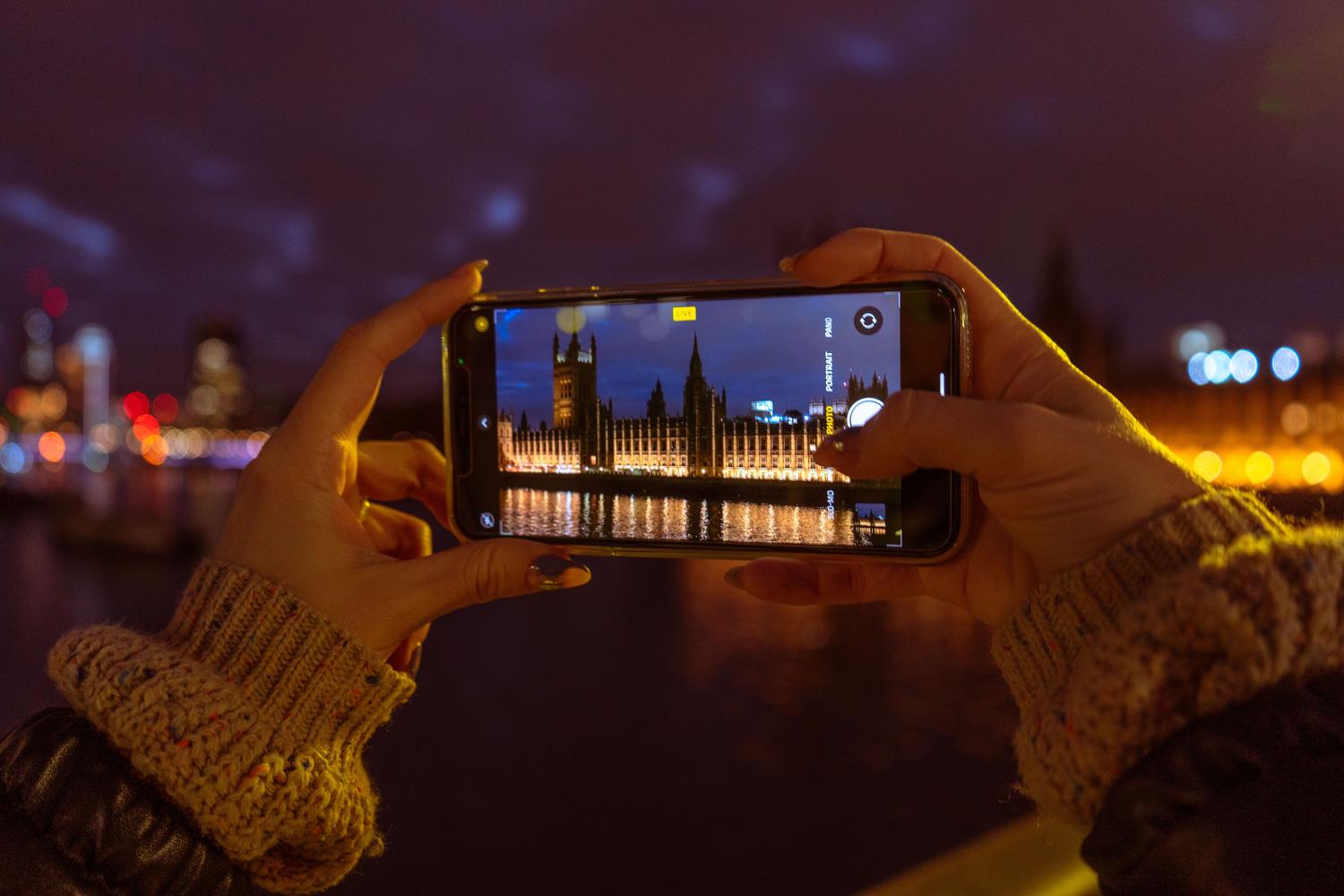
For those with older models like the iPhone 8 or X, there are apps like Neuralcam that simulate the intelligence of Night Mode. There are also options like Night Camera that allow manual control of ISO and shutter speed , offering real-time RGB histograms to prevent overexposure. Furthermore, compatible models allow you to take nighttime selfies and time-lapse videos , ideal for capturing the movement of stars if you hold the phone steady.
It's important to note that some Pro model users have noticed that macro mode activates automatically when pointing at the sky, which can cause blurry images. In these cases, tapping the screen to manually focus at infinity is the best solution to correct this software bug.
To achieve stunning images, the key lies in combining the use of the main sensor with Night mode set to its maximum and complete stability using a tripod. By shooting in RAW and avoiding direct light, we transform a mobile device into a tool capable of capturing the essence of darkness with surprising clarity.
